Project browsers
Chrome and Firefox, secure context required.
Source: PLAYING.md · checked 2026-10-28
Fixes
Underground 2 Revived draws with WebGPU. The project tells you to use current Chrome or Firefox on an HTTPS page. MDN’s browser-compat data, as saved for this guide on 28 October 2026, marks WebGPU on Chrome 144, Chrome Android 121, Firefox 141 on Windows with later Firefox numbers for other builds, Firefox Android unsupported, and Safari 26. Those version numbers are one dataset. They move. A GPU that the browser cannot expose still fails, even when the version looks new enough.
Chrome and Firefox, secure context required.
Source: PLAYING.md · checked 2026-10-28
Chrome 144, Chrome Android 121, Firefox Android false, Safari 26. Dated 28 Oct 2026.
Source: MDN browser-compat · checked 2026-10-28
Short codes. GPU-ADAPTER-WIN is the example in the notes.
Source: PLAYING.md · checked 2026-10-28
Chrome on Android is the documented browser. Firefox for Android was false in that MDN file.
Source: MDN + PLAYING.md · checked 2026-10-28
Evidence note: figures attributed only to one publication or to the project's own documentation are single-source reports. The project site, README and playing notes count as one source group. Sources and checked dates are shown with each fact.
I did not run webgpu-report on a lab machine for this page. I compared the project’s browser sentence with the MDN GPU.json file the research pass recorded. The useful on-page signal is still the project’s own code, such as GPU-ADAPTER-WIN, which the notes say is stable across languages.
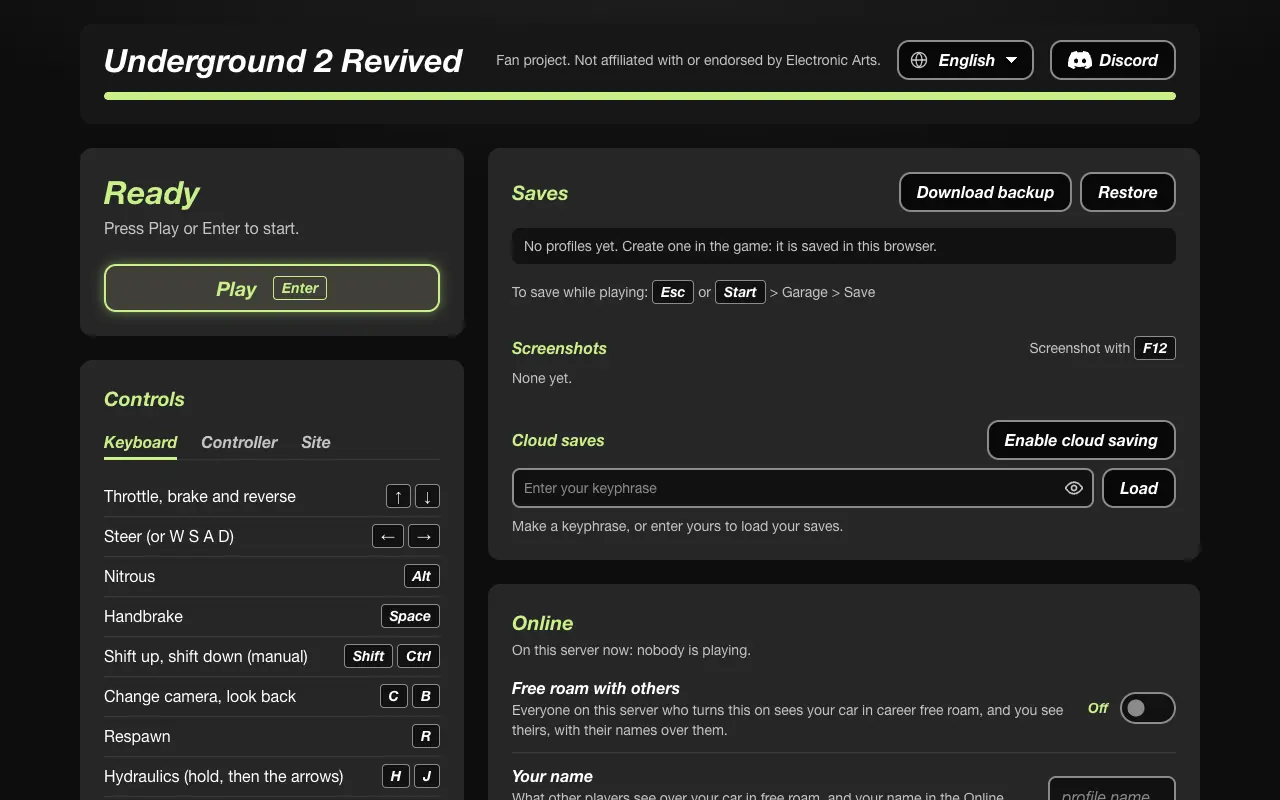
Open nfsu2.xyz in Chrome. If the start page names WebGPU or an adapter, the browser did not hand over a device. Update Chrome, then check the OS GPU driver. The project does not publish a list of blocked GPU models. A blocked model would be a gap, not a zero.
Firefox is supported in the project notes and in player comments, sometimes at a lower frame rate. Firefox for Android was unsupported in the MDN file we saved. Do not force a flag you do not understand. The public site is the test.
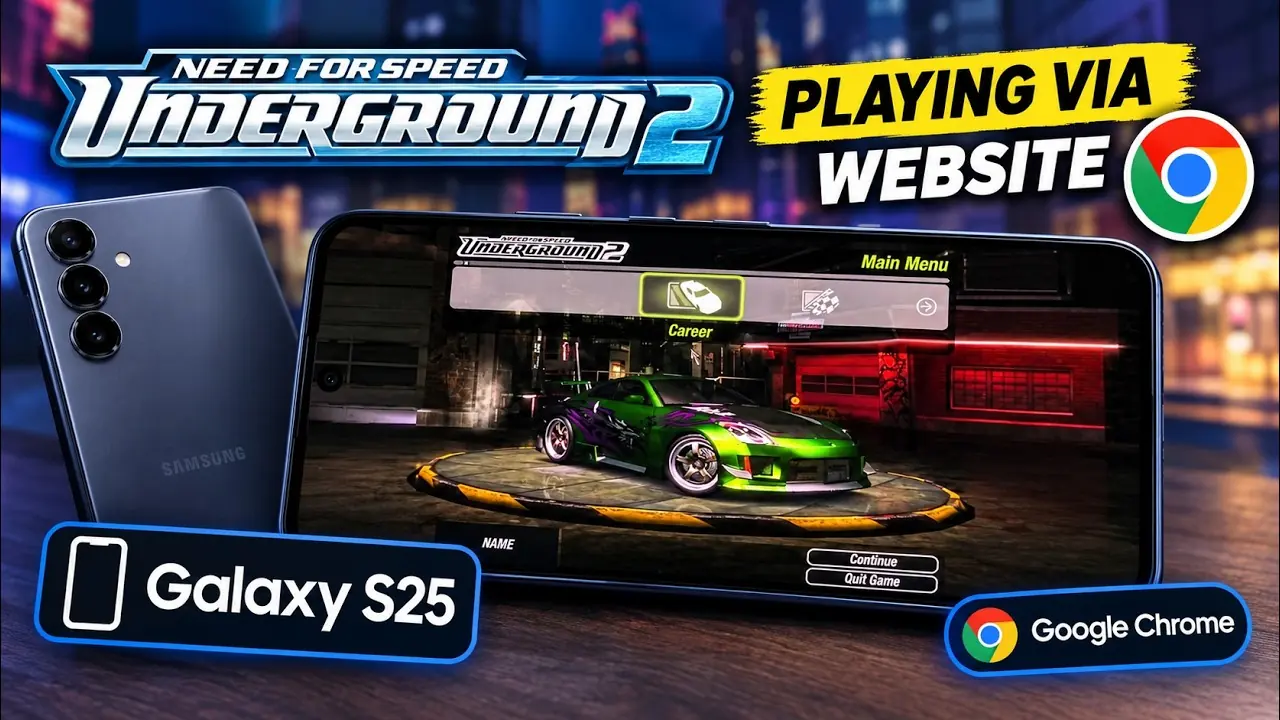
MDN’s snapshot marks Safari 26. The project’s phone section talks about Safari on iOS 26 and iPadOS 26. An older iPhone system is not given a pass in either source. AndroBench’s iPhone 13 mini video is evidence that one device ran a session on 22 October 2026, not a matrix.
Use a browser version MDN already marks as supported, then open the site. The project does not document a secret flag as the normal path.
Read the code on the page. Adapter errors point at the GPU the browser can see. Update the driver, try the other supported browser, and quote the code on the project issue tracker.
No public model list was found. A video of an HP 255 G8 does not state a result we can reuse.
No. The README maps Direct3D 9 to WebGPU, not WebGL.
If the module never gets a device, Play does not start the game. There is no software renderer in the notes.
Last checked: 2026-10-28. Where only one source states a number, the sentence says so.