First read
The on-page error and its code. Quote that code if you ask for help.
Source: PLAYING.md · checked 2026-10-28
Fixes
Start with the sentence on the page. The project prints a short code, the same in every language, when launch fails. GPU-ADAPTER-WIN is the example in the notes. A black screen, a low frame rate, and a WebGPU refusal are different faults. This hub routes them. There is no single “repair download,” and this site will not offer one.
The on-page error and its code. Quote that code if you ask for help.
Source: PLAYING.md · checked 2026-10-28
The game can boot from cache. Free roam still needs the server.
Source: PLAYING.md · checked 2026-10-28
“Open elsewhere” means the first tab still holds the game.
Source: PLAYING.md · checked 2026-10-28
The repo had 19 open issues in the 28 Oct research snapshot. One source, and it moves.
Source: GitHub API · checked 2026-10-28
Evidence note: figures attributed only to one publication or to the project's own documentation are single-source reports. The project site, README and playing notes count as one source group. Sources and checked dates are shown with each fact.
I used the troubleshooting language in PLAYING.md and the open GitHub issues as the map. Issue 20 is an unsolved load or crash thread in our notes. Issue 22 covers stutter after an update. I am not pasting a fix that the issue tracker has not closed.
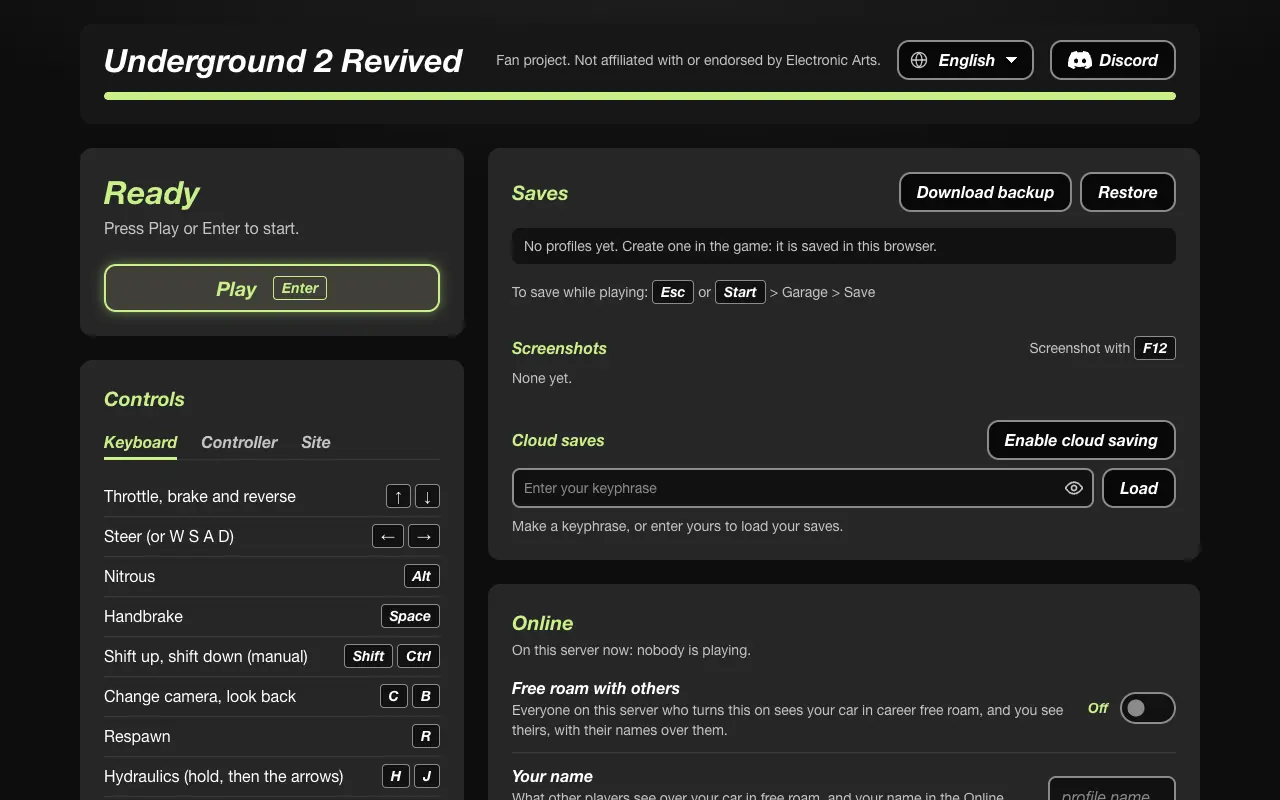

Pick the row that matches the screen you actually have.
| What you see | Likely area | Page |
|---|---|---|
| WebGPU or adapter error | Browser or GPU | /fixes/webgpu/ |
| Stuck on a loading screen or a black frame | Cache, module, or an open bug | /fixes/black-screen/ |
| Game runs, then stutters | Scale, frame cap, browser | /fixes/low-fps/ |
| Play never enables | Module still loading, or no secure context | /play/ |
| Other players missing | Free roam switch or server full | /online/ |
Use the apex host in Chrome. Confirm the padlock. Do not run two tabs. If a loading screen ignores Quit, the menu item changes to “Close the game now” and then “Stop the game.” Closing the tab asks first, because a save might be mid-write. Take a zip backup before you delete site data.
Read the code on the page, then open the WebGPU, black-screen, or low-FPS page that matches it.
No. The public site updates itself when the server answers.
You can play cached data. Other people will not be there until the server returns.
Player comments say so. It is a report, not a benchmark. Try Chrome before you change GPU settings.
The project’s GitHub issues. This guide’s contact address is for the guide, not the game server.
Last checked: 2026-10-28. Where only one source states a number, the sentence says so.